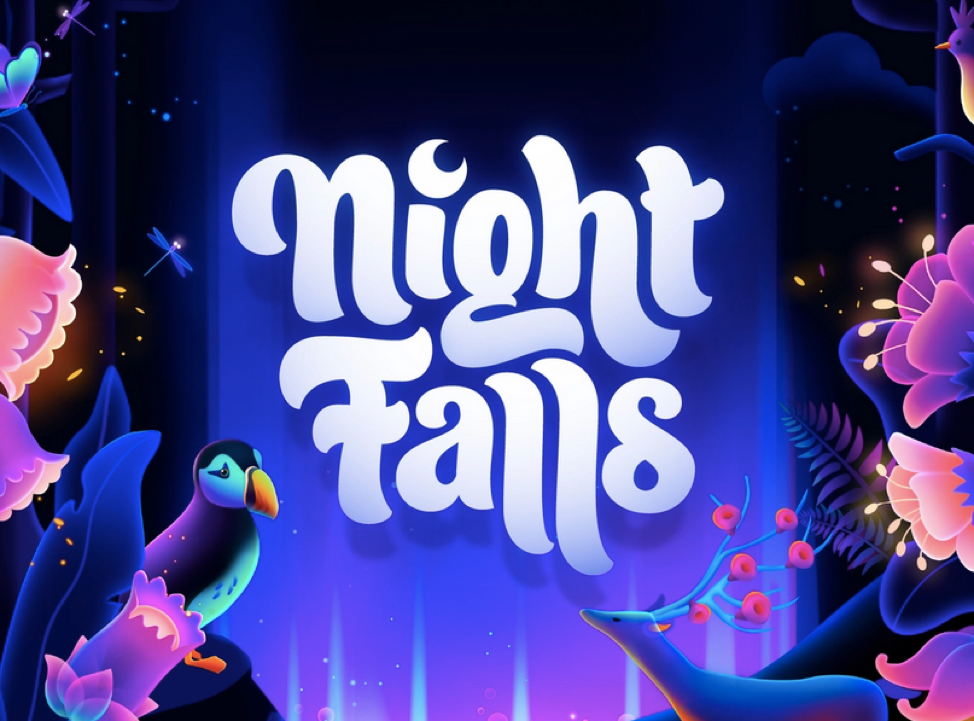
One of the most challenging layouts to recreate with HTML and CSS is the typographic lockup—a carefully arranged title where words vary in size, weight, and position to create maximum visual impact within a limited space. Bringing this style from graphic design to the web is known as lockup design.
Photoshop has long been the go-to tool for creating visually striking cover images. While these graphics are eye-catching, the text they contain is less useful than semantic HTML. Search engines cannot index embedded text as effectively, users can’t easily select or copy it, and screen readers cannot interpret it as naturally as real HTML content.
An alternative approach is to build captions directly with HTML and CSS. This preserves the visual design while keeping the text semantic, searchable, and responsive. The challenge, however, is that designing expressive typography with code requires both technical skill and artistic judgment.
Lockup design is particularly popular in YouTube thumbnails, where creators must fit long titles into a small space while maintaining a bold, attention-grabbing composition.
However, thumbnail designers don’t need to worry about responsiveness or semantic markup because their work exists entirely as graphics. On the web, the situation is different. Headlines need to adapt to different screen sizes, remain accessible, and contribute to SEO. That makes recreating lockup designs with HTML and CSS a far more demanding task.
So, are we there yet?
Not quite.
Recreating graphic-quality lockups with responsive code is still a difficult problem. Fortunately, talented frontend developers have already begun exploring this space and are generously sharing their techniques and ideas1. developer.
So, to answer the question, “What are we doing?"—we’re learning. With every story, we’re getting closer to mastering the replication of lockup design through code.
Lockup Caption Created with Code
This series is our journey into that world. With every experiment and every story, we’re getting closer to recreating the expressive typography of graphic design using nothing more than HTML and CSS.
Recreating lockup captions with HTML and CSS is still a difficult problem, but it’s becoming increasingly achievable. As modern CSS continues to evolve—with Grid, container queries, variable fonts, and newer layout techniques—we’re getting closer to designs that are both visually expressive and semantically correct. That’s exactly what we’ll be exploring in this series.
Example of a Lockup Caption on a YouTube Video Cover
-
Geoff Graham. Text Lock-Up: https://css-tricks.com/snippets/svg/text-lock-up/ ↩︎